
BALDURAN® Protector
Your Home Internet's Personal Gatekeeper.
Take control of your home Wi-Fi. Block ads, hidden trackers, and set family schedules across every device in your house, right from your Windows PC.

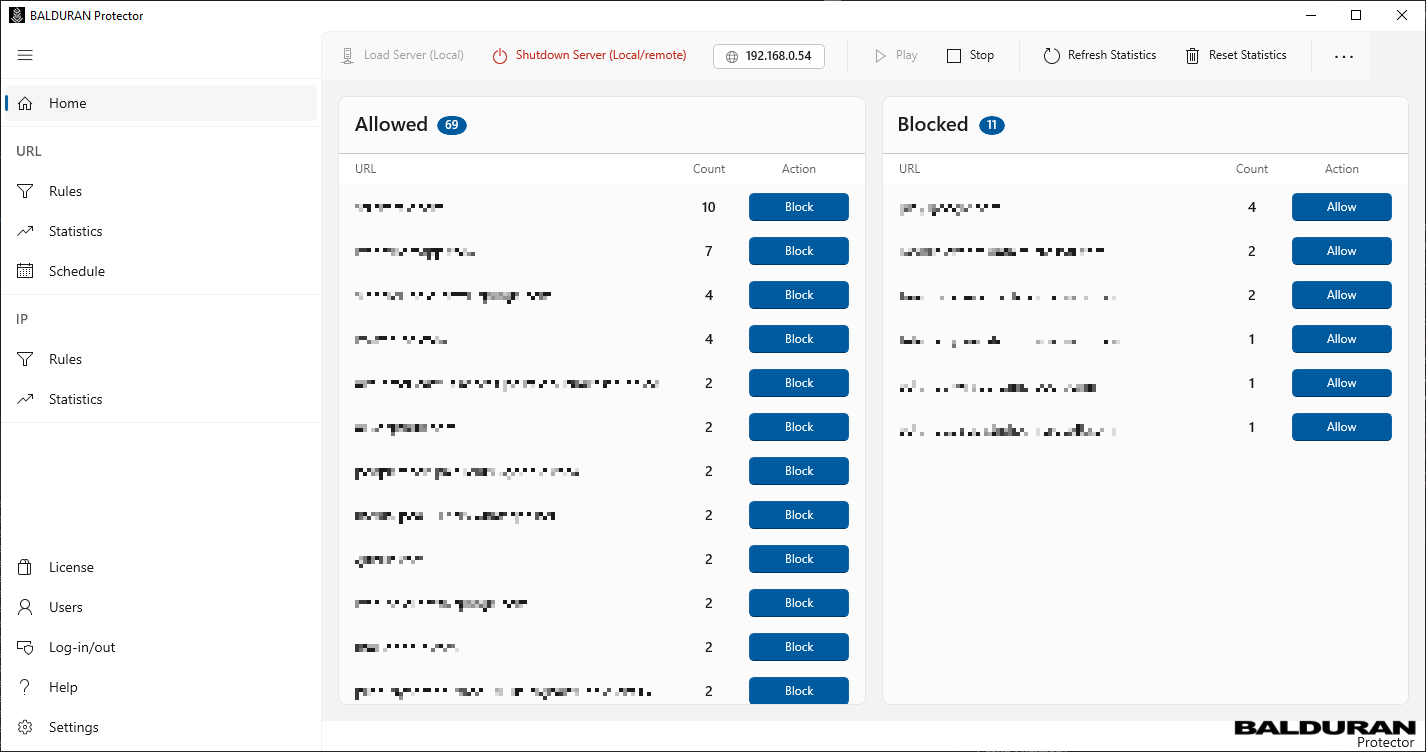
How it Works
You simply install the app on your Windows PC and set it as your home router's custom DNS server. BALDURAN evaluates every website request—whether it's from your Smart TV, your kid's iPad, or your work laptop—and silently blocks the DNS lookups for junk (like ads, trackers, or restricted sites) so the content never even has a chance to load.
You can't install ad-blockers on a Smart TV or an Xbox. With BALDURAN, you don't have to. It protects everything connected to your home Wi-Fi automatically.
Keep your kids focused and safe. Monitor web requests and easily block specific websites, or set up automated schedules to restrict access during homework or bedtime.
Smart TVs, IoT gadgets, and even your operating system constantly send your private habits back to big tech companies. BALDURAN blocks these hidden "telemetry" trackers dead in their tracks.
Forget buying extra hardware like Raspberry Pis or learning complex Linux commands. As long as you know how to update the DNS setting on your home router, BALDURAN’s modern dashboard handles the rest.
[!] IMPORTANT: BALDURAN Protector requires an active subscription (available as an in-app purchase) to operate. Flexible tiers are available based on the number of devices you need to protect. The app and your PC must be running to process DNS queries and keep your internet connected.
Payments and subscriptions are securely handled by Microsoft®.